
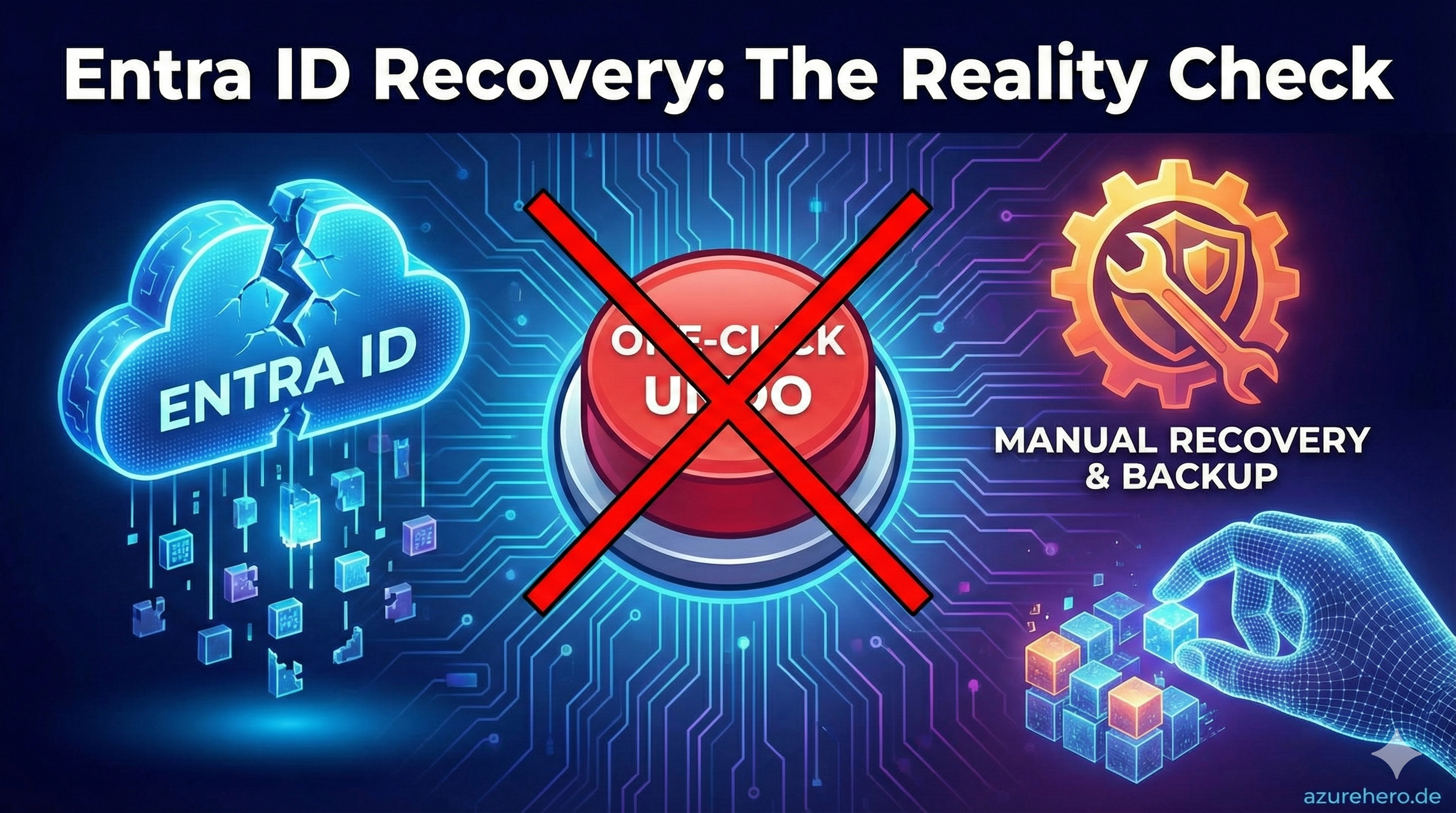
First and most important:
You can not restore an full Entra ID Tenant by a single click
There is always more effort that must be take.
Introduction — on‑prem AD vs Entra ID
In a traditional on‑premises Active Directory you have a single database (NTDS.dit) and well‑known disaster recovery options (System State, full DB restore, authoritative restores). That allows restoring whole domain controllers or restoring the directory database to a point in time.
Entra ID is a distributed, cloud‑managed directory. This means, you don´t have access to a tenant database file that can be restored. Recovery is performed at the object level — there are no customer‑accessible tenant‑wide point‑in‑time snapshots. Microsoft know it and many Orgniaztion realized that now after many years of usage. Luckily there are some concepts and features that Microsoft implemented to help you. One of them is the soft delete state. Most of you know the concept from AD. The Recycle bin in AD helps you to recover deleted objects. In Entra ID there is also a soft delete state for many object types. But it is not the same as in AD. It is more a “Deleted State” and not a “Recycle Bin”. It is more like a “Deleted Objects Container” where the deleted objects are stored for a certain retention period. During this time you can restore the object, but after that it will be permanently deleted and can not be restored anymore. This give you some time to react but after 30 days, you have a big problem.
Soft Delete vs Hard Delete
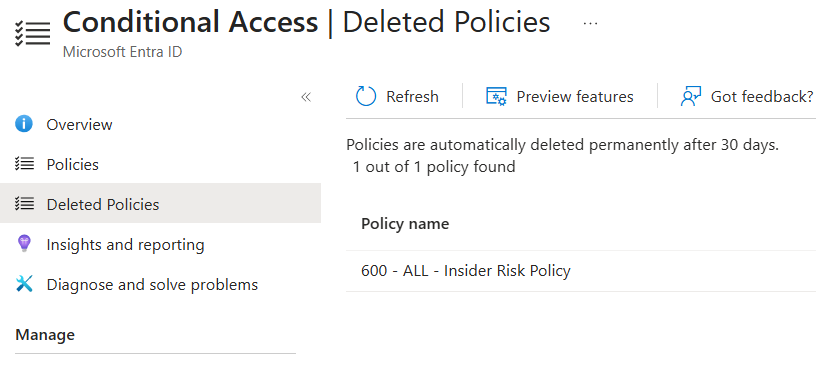
- Soft Delete (Recycle Bin): Many object types (users, groups, applications, CA Policy, Admin Units) are first placed into a deleted state and can be restored within the retention window (commonly 30 days).
- Hard Delete: After the retention period expires or when a resource is permanently deleted it is removed irreversibly and typically cannot be restored via customer APIs.
- Side effects: Some metadata (password hashes, service principal secrets, license assignments, MFA state/history) may not be fully restored. Recovered objects often need additional configuration.
- Permissions: Hard delete a Object requires the same permission as Soft delete a object. Which means if somebody knows what to do, he will hard delete a object and your function and trust in the soft delete state is useless. Whats why you need a external tool to backup and recover your Entra ID.
In an additional Post we will discuss the problems with Soft delete and hard delete states. TBC
Recovery Options
- Azure / Entra Portal: Quick recovery for some object types (users, groups). Not all object types or tenant‑wide settings are covered.
- Microsoft Graph & PowerShell: Restore endpoints exist for deleted objects and delta queries can track changes. These APIs allow scripted and bulk restores but come with practical limits (rate limits, partial metadata, replication delays).
- Third‑party backup tools: Recommended for complete recovery coverage (service principals, app secrets, policies). These tools export configuration and provide point‑in‑time snapshots at the object/config level.
API Limitations
- No full DB dump: The Graph API returns object‑level data; it does not provide a customer‑accessible point‑in‑time snapshot of the entire tenant.
- Missing artifacts: Sensitive values (plaintext secrets, some key material) are not exposed via APIs and must be backed up separately.
- Rate limits & throttling: Restoring large numbers of objects can be throttled. Implement backoff logic and plan staged restores.
- Replication latency & inconsistencies: A restored object may not appear immediately across all dependent services.
- Audit/log gaps: For forensics or exact point‑in‑time analysis, available logs may be insufficient; keep separate long‑term logs where required.
Restore to a seperate tenant?
This is by far the worst decision you can make. In first place and from experience every body would say, that you need to have the capability to restore to a seperate tenant. But the reality show, that this is not working or practical. The problem is, that you have many dependencies between the objects in your tenant. If you restore to a seperate tenant, you will have a new tenant with new Object IDs and new Service Principal IDs. This means, that all your applications, Payment information, History or default information like xxx.onmicrosoft.com Domain will be different and cannot be restored.
Why a One‑Click Restore Doesn’t Exist
- No tenant‑wide restore API for customers: Cloud multi‑tenant architecture and security model prevent exposing a single button that reverts an entire tenant to a previous state.
- Complex cross‑service dependencies: Roles, license assignments, external identity providers, enterprise applications and MFA state are spread across services — a one‑click solution would need to coordinate many systems.
Conclusion & Recommendations
- Design for recovery: Export critical configuration regularly (users, groups, app registrations, role assignments).
- Automated backups: Use Graph API delta queries with secure exports or a vetted third‑party backup product to capture configuration snapshots.
- Document and protect secrets: Keep service principal secrets, certificates and other sensitive artifacts in a secure vault and rotate them regularly.
- Engage Support when needed: In severe cases involve Microsoft Support early and define escalation procedures.
- Use on‑prem sync where it helps: Azure AD Connect/on‑premises AD can aid certain recovery scenarios but is not a replacement for a cloud backup strategy.
TODO List
- Backup Keys and Secret in a secure vault
- Implement a 3rd party backup solution like Semperis DRET
- Check dependency of Object ID relationships
- Have a Identity Resiliancy Plan. NOT ONLY ON PAPER. PRACTISE IT!
- If you have a Microsoft Unified Contract. Check with your CSAM what documents are need in the absolutly worst case, if your dont have access to you Tenant anymore.